How does Virtual Reality work?
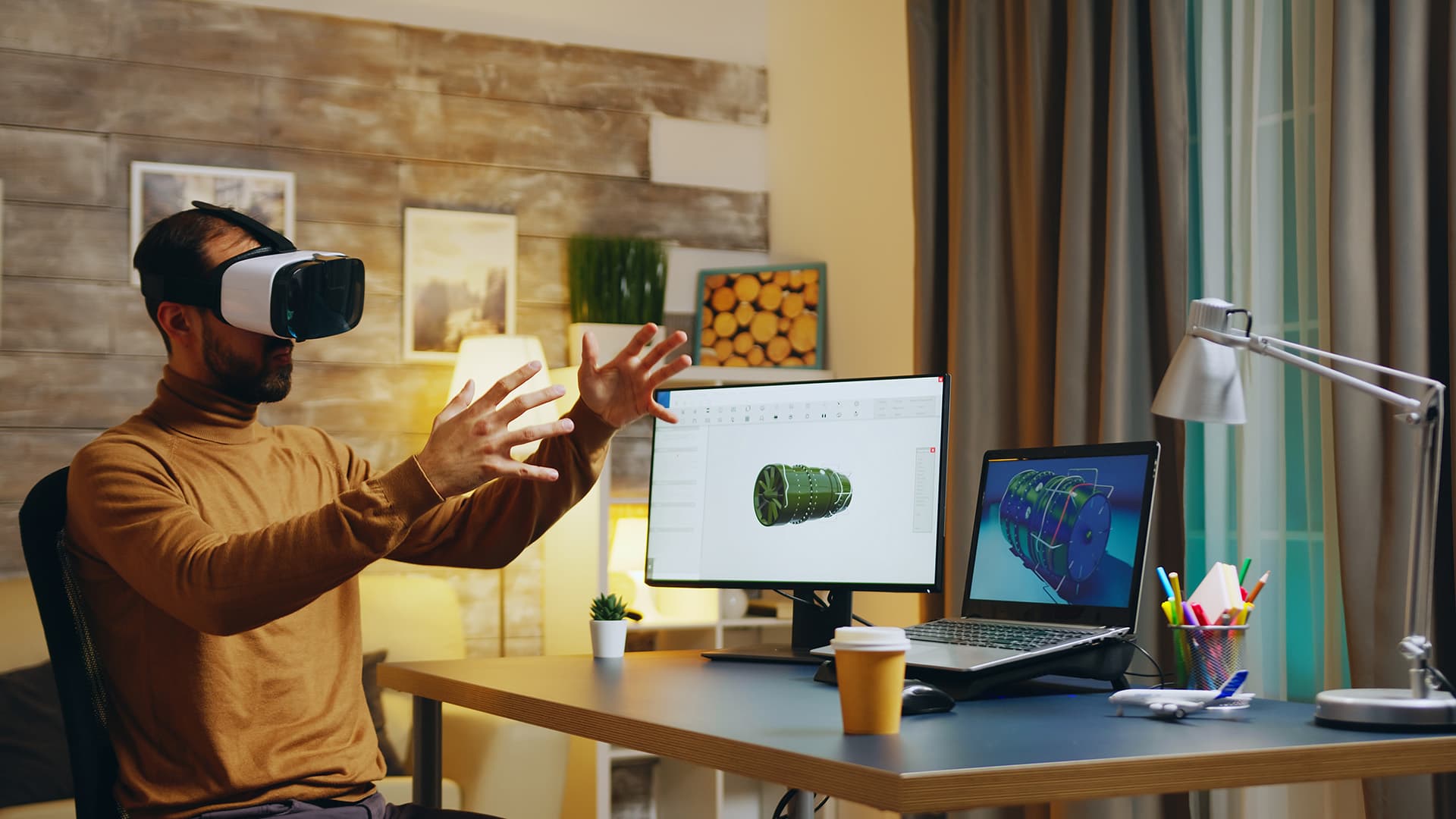
VR fans and friends coming from outside the engineering and development sphere may be wondering … how does Virtual Reality actually work?
What goes into the capture or creation of imagery? By what mechanisms do the hardware and software combination respond to the user?
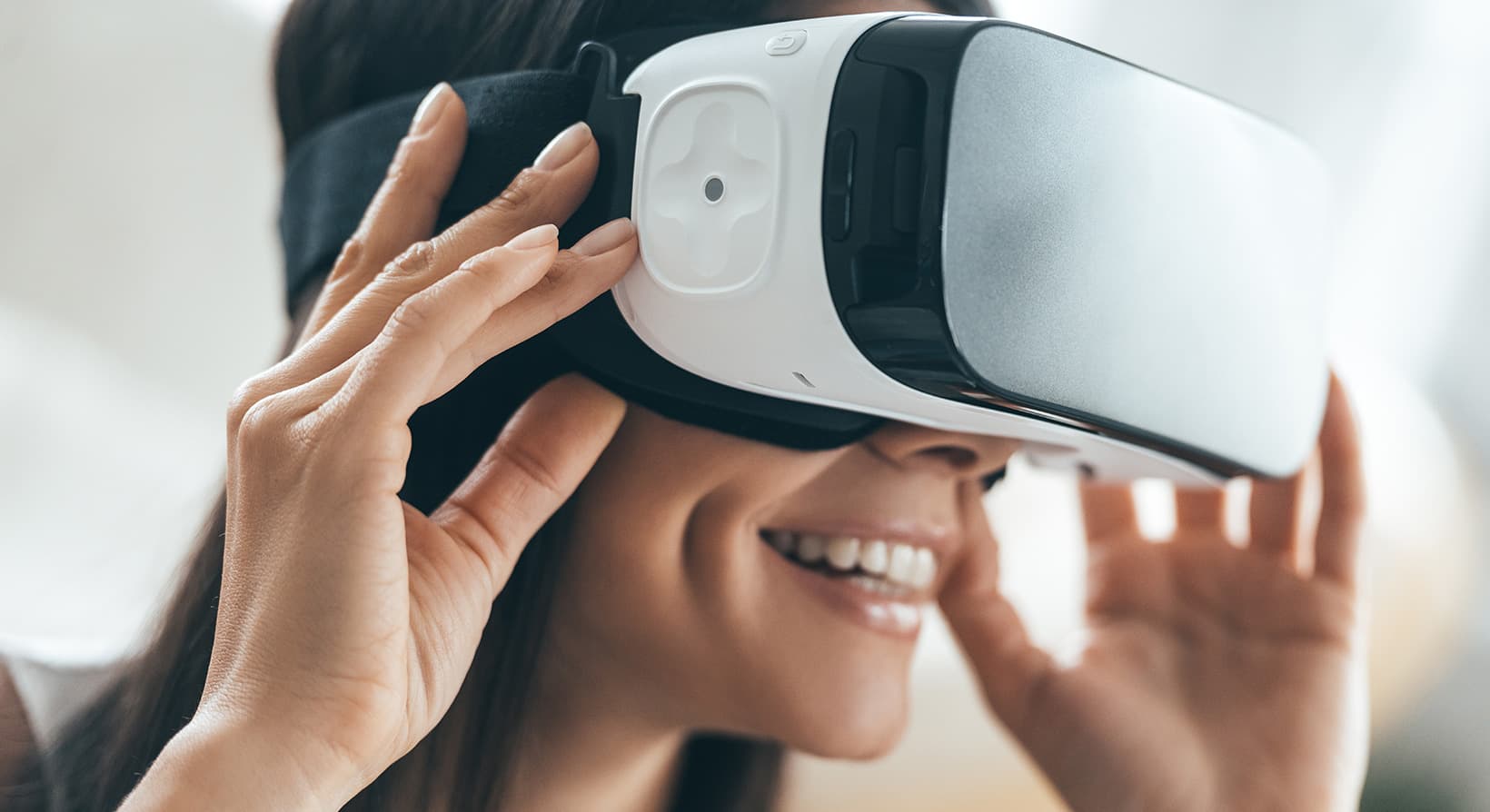
Whether your VR device plugs into a PC or a smartphone, a few common elements are required. We’re aiming for a barebones explanation here. For the purposes of simplicity, we’ll refer to two types of devices, PC-based (Rift & Vive) or mobile-powered (Gear VR & Cardboard).
Content Design
Imagery is where VR starts, be it generated graphics or captured video. All 360 degrees need to be covered to allow the user to look in every direction at any moment seamlessly.
For CGI virtual environments, the process begins with construction using 3D modelling software such as Autodesk 3ds Max and Maya etc. Photo manipulation software like Adobe Photoshop are also used in this stage in order to create textures to add extra layers of realism to the 3D design.
For video VR, a 360 degree camera is used. These cameras are available to any consumer and entry level models come with very accessible price tags. This option allows capture of live events and exotic locations.
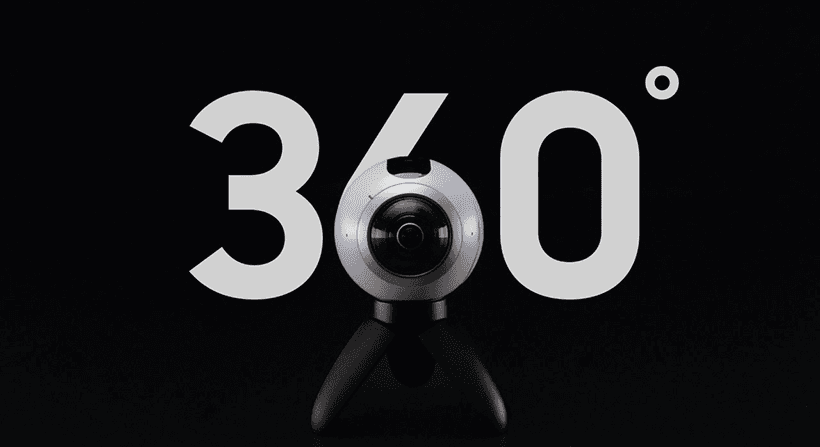
Samsung Gear 360 (Photo Credit: Samsung)
Adding Interactivity
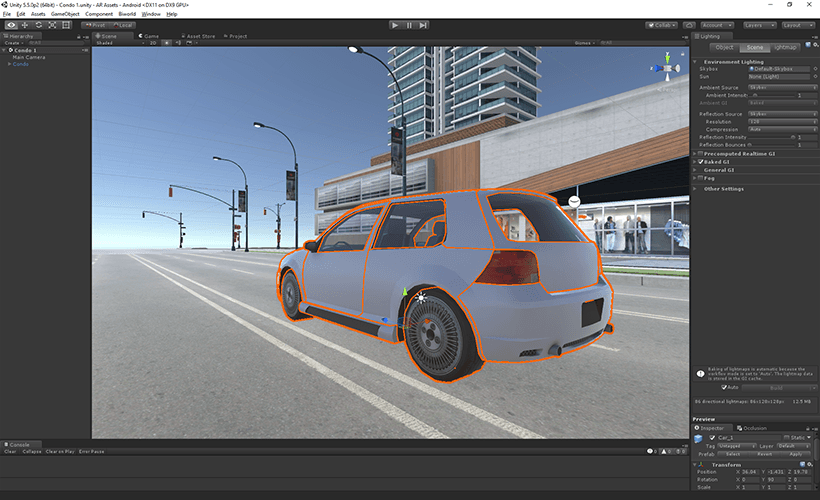
Next stage is where the interactivity comes into play. Game development platforms such as Unreal Engine and Unity are used at this stage. 3D objects and environments created in 3D modelling software are brought to life by using these game engines. They provide the tools that allow the developers to add interactivity and give the users the ability to move around and manipulate the environment as they desire.
Hardware Basics
Headsets must have two displays with lenses and a visual slightly different for each eye. Display units themselves however generally cover 100 or 110 degrees – a wraparound effect – to keep you engaged from all angles. Lenses are required to reshape and transform flat 2D images to a lifelike 3D world.
Motion Tracking
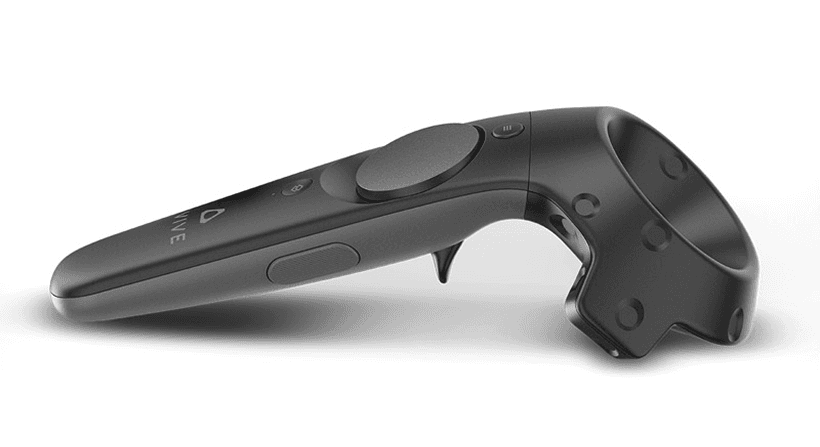
HTC Vive Controller (Photo Credit: Vive)
VR devices track movement using an accelerometer, a magnetometer, and a gyroscope. In addition to those base requirements, some hardware/software combinations are more sophisticated than others.
Your phone is equipped with motion tracking tech already – one of the reasons mobile-powered VR exists and makes the add-on devices so affordable. PC-based products (a higher-end experience) usually require external cameras that relay your position and react to your motion in detail.
Optimizing for Platforms
It is essential to optimize VR experiences for the different platforms listed above. Optimal performance and nausea-free experiences are accomplished through careful optimization for each and individual platform.
Achieving Immersion
Regardless of the device or application, software interface elements are usually present and ready to interact based on your movement. You use controllers or buttons to select and act.
As content output and user input loop together, the VR experience ideally engulfs you in the virtual world. The end goal is to provide an experience that looks and feels real, enjoyable, educational, and meaningful.
It’s important to remember that VR is still growing. When you think about VR’s potential and where this industry is headed, keep in mind that solutions for walking, hearing, and touching are all being actively explored by developers. Current experiences are compelling, so dream big when you imagine where VR will be this time next year.
We hope you found this post informative if you’re still learning, or shareable if you’re spreading the word about VR.
Stambol Studios will continue sharing insights and ideas for and about the VR industry. If you have questions about our software or any of the hardware we develop for, send us a message and we would be happy to answer.
Photo Credit: g-stockstudio/Shutterstock